Shift90 — Press Kit
Last updated: August 2026 · For journalists, reviewers, and curators
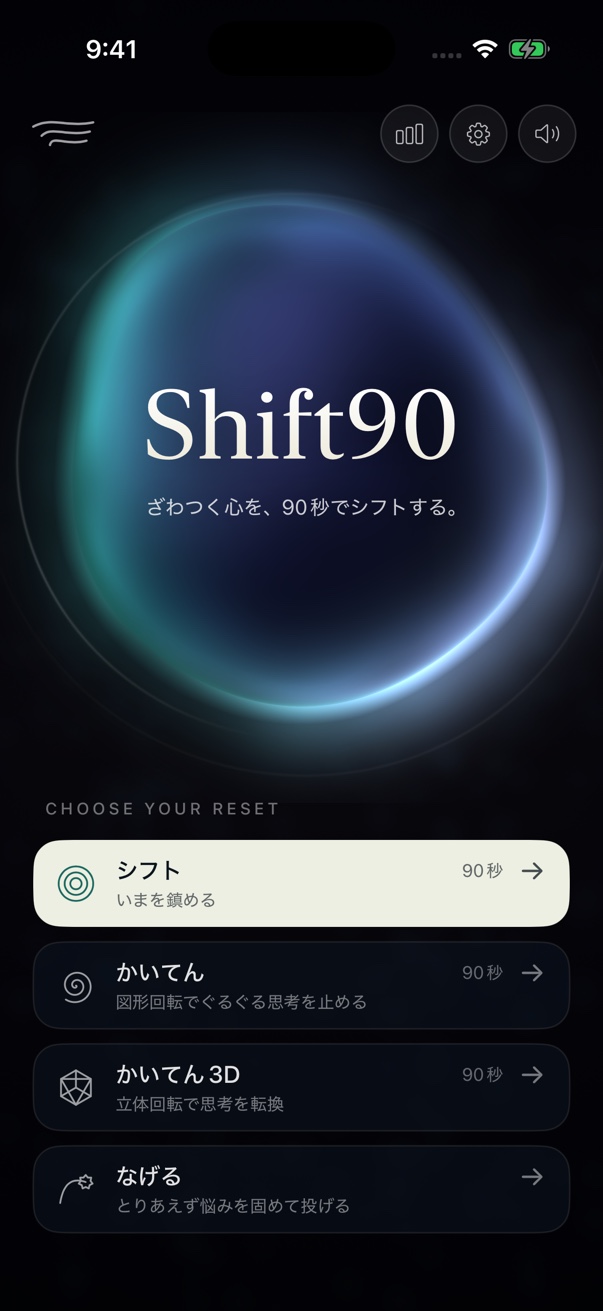
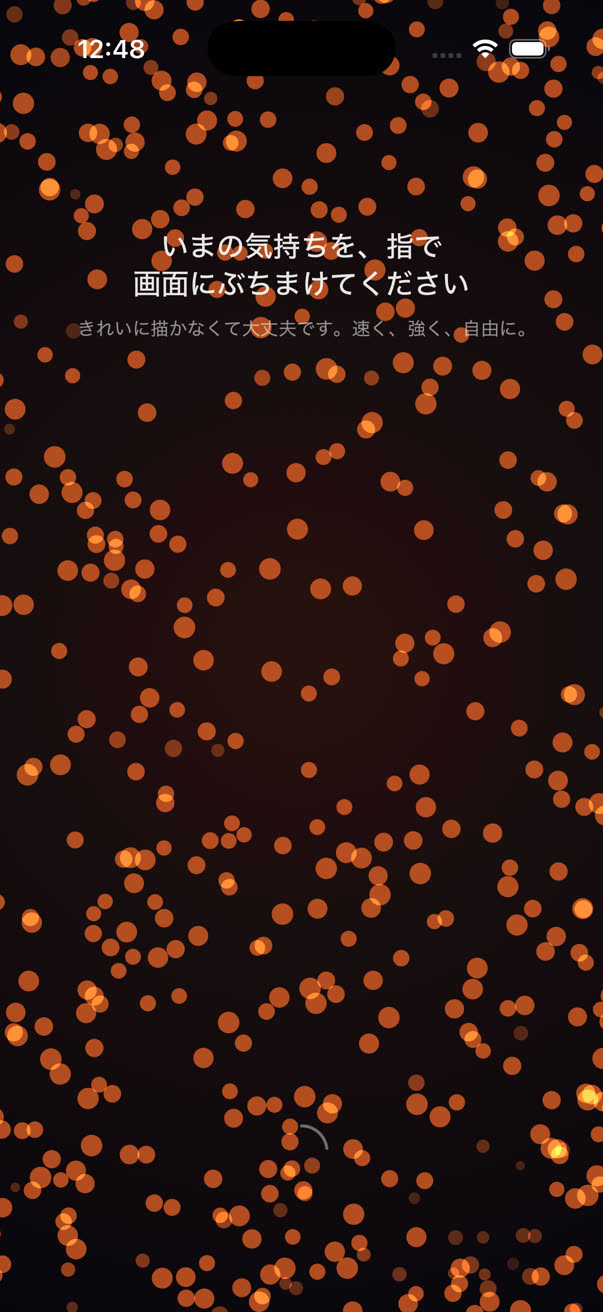
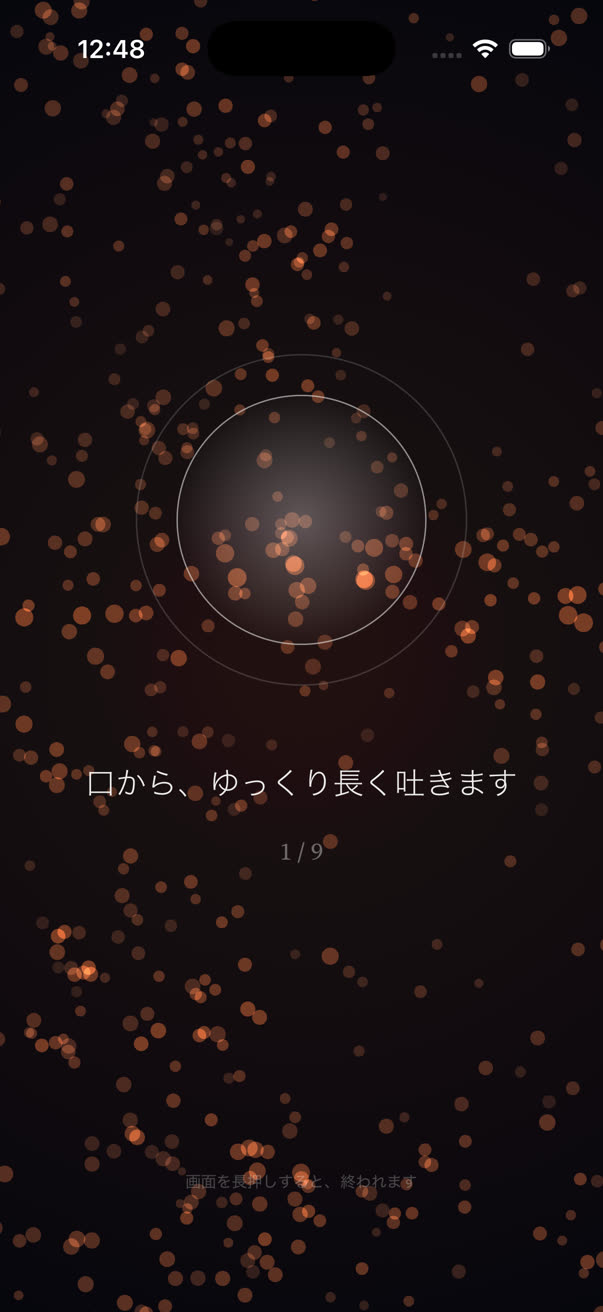
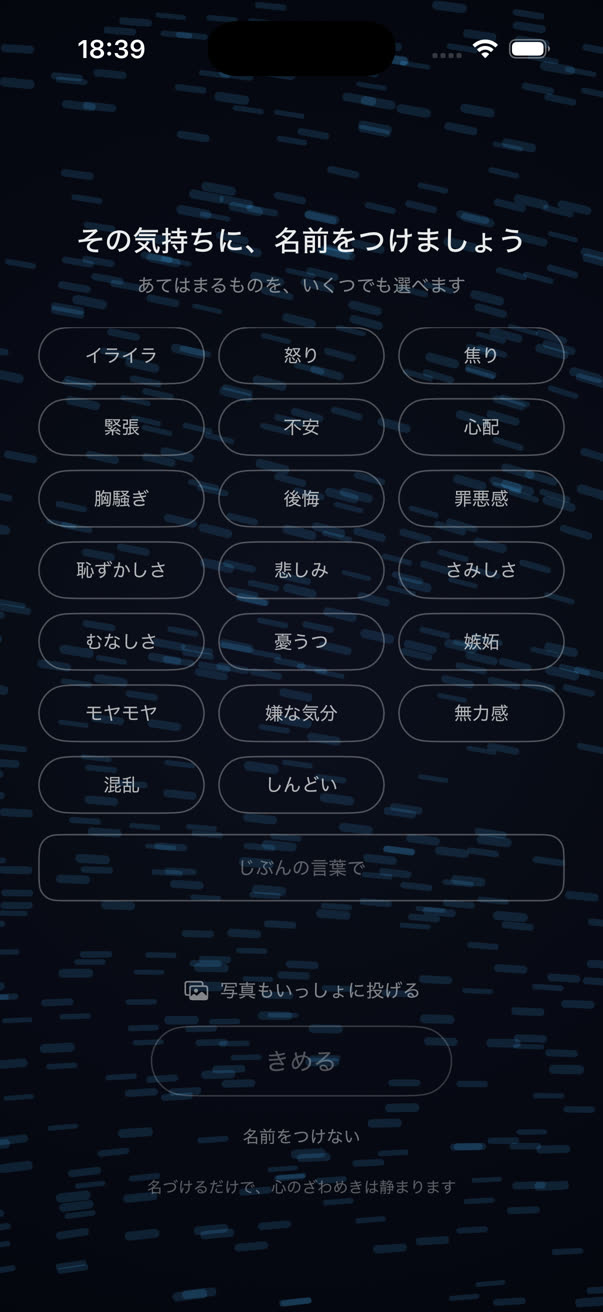
Shift90 is an iOS app for riding out one ninety-second wave of feeling. You trace the noise on the screen, breathe it down with a guided physiological sigh, give it a name, and throw it — the named feeling flies over a satellite image of the real world and lands somewhere far away, leaving a small pin that fades a little more each day. There is no account, no ad tracking, and no server run by the developer that ever sees what you named or where it landed.
Fact sheet
| Platform | iOS (iPhone) |
|---|---|
| App Store | apps.apple.com/app/id6786580963 |
| Languages | 8 — Japanese, English, German, Spanish, French, Korean, Portuguese (Brazil), Chinese (Simplified) |
| Price model | Every feature is free for the first seven days. From day eight: a one-time purchase that lasts forever (the main offer), or monthly / yearly subscription options. No ads, nothing sold by the throw. |
| Account | None required — no sign-up, no name, no email address collected |
| Tracking | No ads, no advertising identifier (IDFA), no cross-app or cross-site tracking |
| Data storage | On-device, with session history synced only to the user’s own private iCloud database — never to a server operated by the developer |
| Developer | QOOQ (independent / solo development) |
| Website | shift90.app |
Feature highlights
A session moves through five steps, each built around one specific idea:
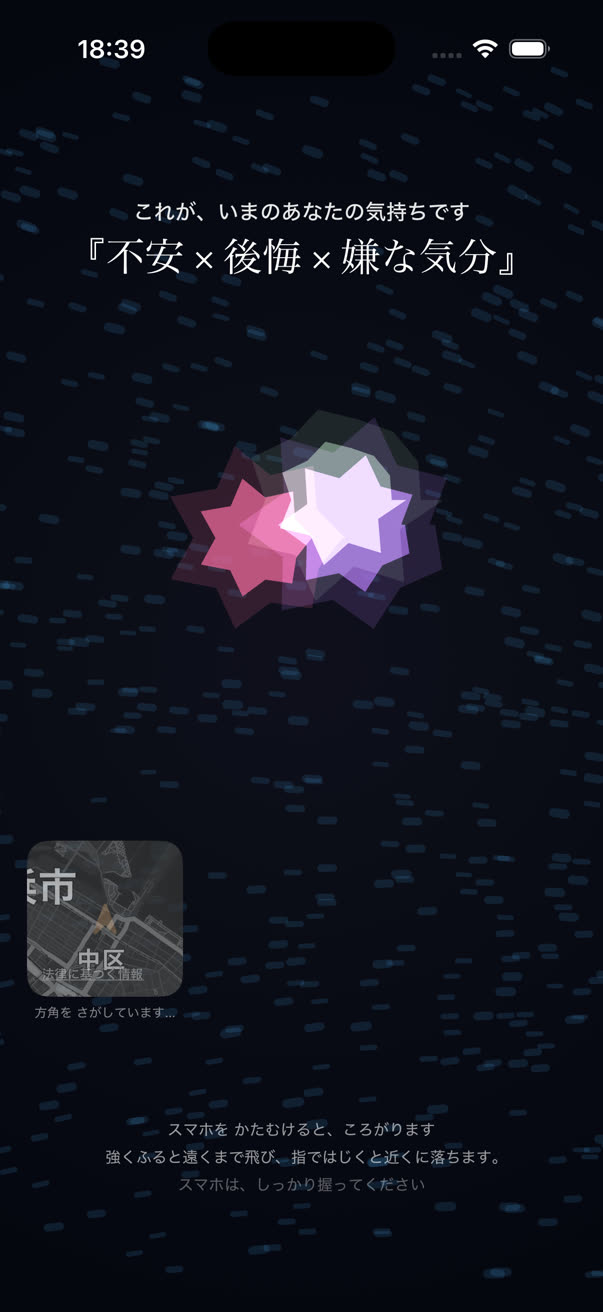
- Trace. The noise in your mind, drawn onto the screen with a finger — the turbulence of the stroke becomes a field of particles.
- Settle. A guided physiological sigh (two quick inhales, one long exhale) calms the particle field breath by breath.
- Name. The feeling that remains gets a name built from chosen words — putting distance between the feeling and the person who has it.
- Throw. The named feeling is pressed into a single shape and thrown by arm motion — harder throws travel farther. Photos can be crumpled in with it; thrown photos are discarded the instant the animation ends and are never stored.
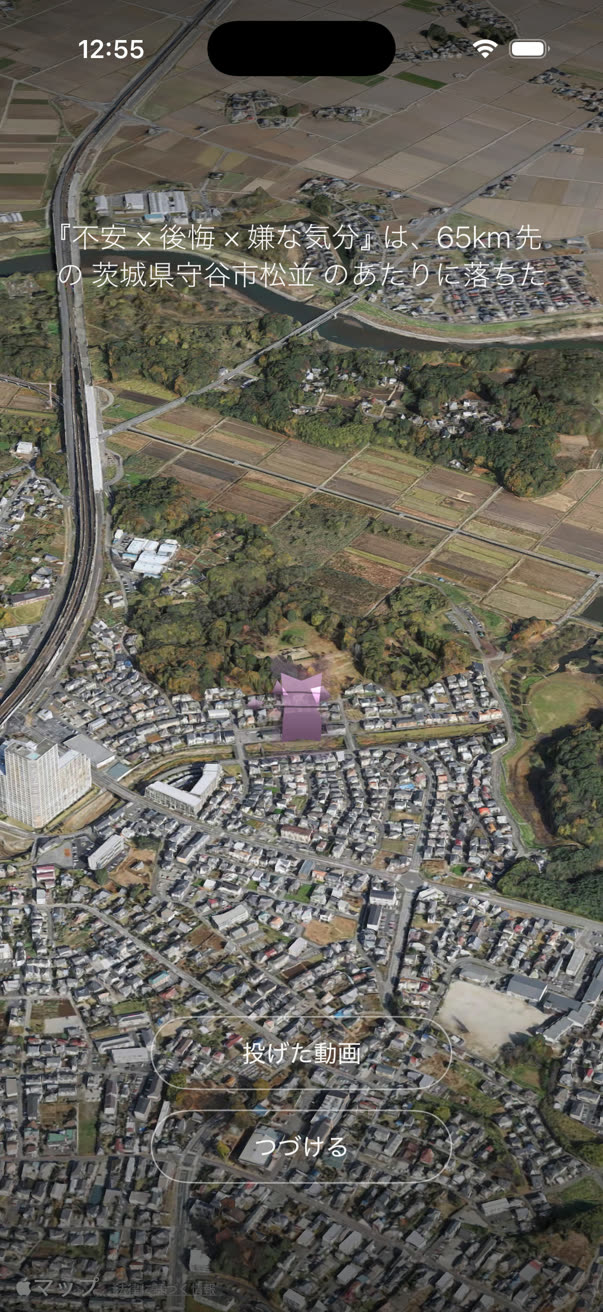
- Let go. The feeling flies over satellite imagery of the real world and lands in a sea or on a mountain, leaving a small pin on a personal map. The pin visibly weathers and fades over the following days.
Beyond the core Shift session, two more entry points are available: Rotate and Rotate 3D, which occupy the same mental workspace that ruminating thoughts use by having the user mentally turn a shape — an alternative for moments when tracing and naming isn’t what’s needed.
Screenshots
Captured on-device (iPhone, Japanese UI shown; the app runs in eight languages). Full-resolution files are the linked images themselves.
Icon

Download full-resolution icon (1024×1024 PNG)

Media guidelines
- Write the name as Shift90 — one word, capital S, no space and no hyphen before the number.
- It is an iOS app, not a game; "app" or "iOS app" is the accurate noun, not "tool" or "platform."
- Please don’t describe Shift90 as treating, curing, or diagnosing anything. It is not a medical device. Fair framing: a breathing- and naming-based self-care exercise inspired by research on affect labeling and the physiological sigh — not a clinical claim.
- The distances and place names a throw lands on are real and vary per throw; please don’t present a single example landing as a fixed or guaranteed result.
- Screenshots and the icon on this page may be used in coverage of the app. For anything else — interviews, review copies, additional assets — please get in touch first.
Contact
For interview requests, review copies, or any question not covered here: qooq.jp/contact.